iPhone widgets: see what is next and complete cards from your Home Screen
Your next cards can now sit on your iPhone's Home Screen and Lock Screen, so you see what's next without opening the app. Update to Arkscape 1.3 on the App Store.
Widgets
Next in your Ark shows your next three cards in the small and medium sizes, and six in the large one, under Overdue, Today, Tomorrow, and Coming up. Tap a card's circle to complete it without opening the app; it stays checked for a minute in case you tapped by mistake, then the next card moves up. Focus shows the one card that comes next. Ark requests shows who invited you onto cards, and Group column shows one column of a group's Arkboard.
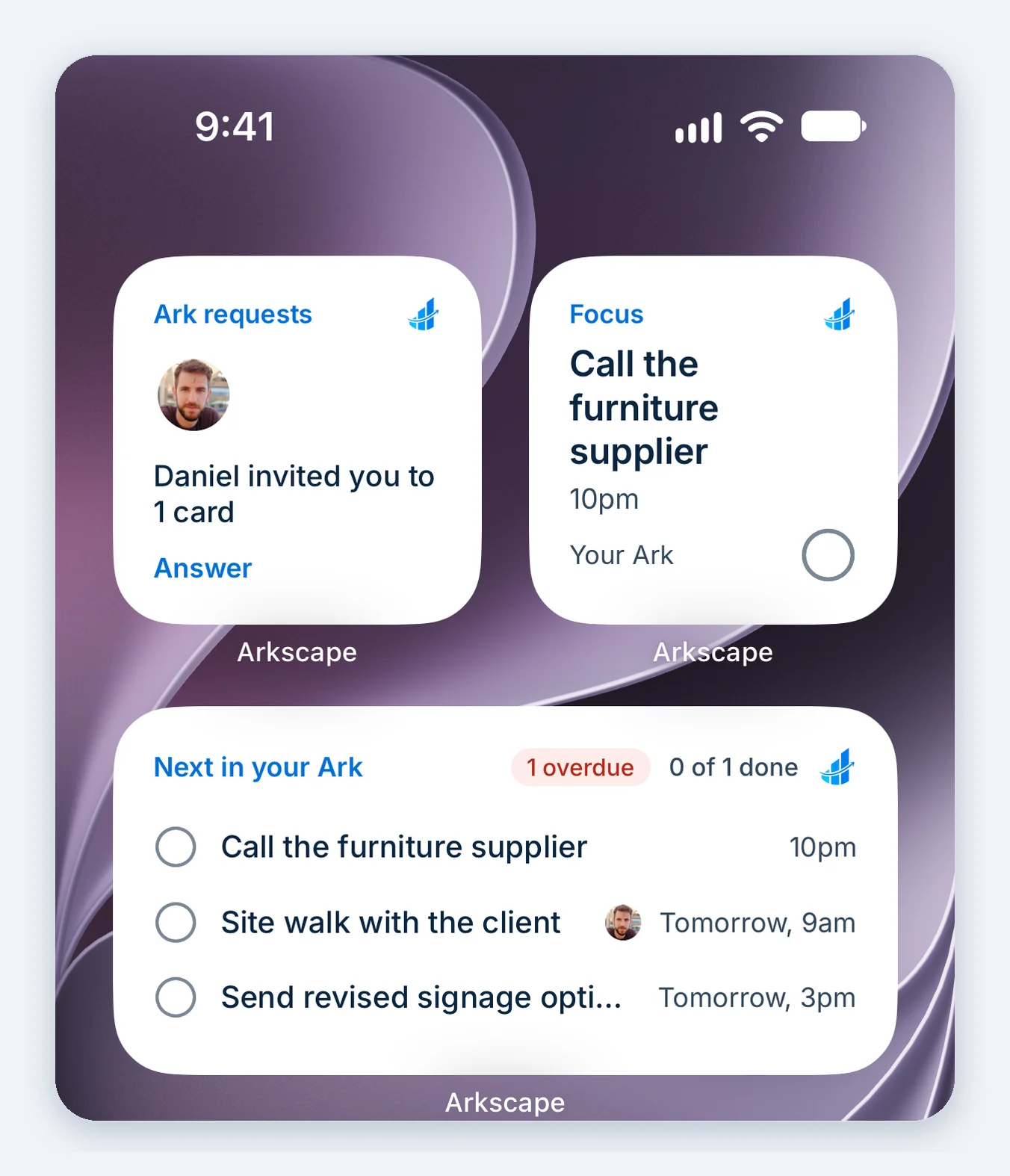
On the Lock Screen, Next card reads like "Call the plumber at 2:30pm", and Done today is a ring of what you've finished. To keep titles private while the iPhone is locked, turn on Hide card titles on the Lock Screen in Settings, Privacy & security.
A countdown for a card happening now
A card on Your Ark with a start and due time on the same day, such as a meeting from 2 to 3:30pm, starts a Live Activity at its start time: the minutes left on your Lock Screen and in the Dynamic Island, with the people on the card and an Open card button.
Add a card from anywhere
Put the Add to my Ark control in Control Center, or say "Add to my Ark in Arkscape" to Siri.